
Backup
Automated protection
Files, attachments & documents
KloudFiles
Protect Your Salesforce Files. Recover With Confidence.
Secure your critical Salesforce files, attachments, and documents with automated backup and reliable recovery.
KloudFiles helps organizations protect business-critical content, preserve file relationships and versions, and quickly restore files when they are accidentally deleted, corrupted, or lost.
Backup
Files, attachments & documents
Protect
Encryption, retention & monitoring
Recover
Individual or bulk file recovery
Salesforce data isn't limited to records.
Organizations rely on Salesforce to store and manage important files, attachments, documents, and business content. Accidental deletion, data corruption, user errors, or system changes can put that information at risk.
KloudFiles provides an additional layer of protection for your Salesforce files.
KloudFiles provides a simple approach to Salesforce file protection:
Automatically back up Salesforce Files, Attachments, Documents, and associated content.
Secure backed-up content with controlled access, encryption, retention policies, and monitoring.
Quickly search for and restore individual files or large sets of files when needed.
KloudFiles can help protect different types of content stored within Salesforce.
Back up files stored using Salesforce Files and preserve their associated information.
Protect legacy Salesforce attachments and their relationship with Salesforce records.
Back up Salesforce documents and other supported file content.
Maintain historical versions of files so previous versions can be recovered when required.
Preserve the relationship between files and the Salesforce records they belong to.
Schedule automated backups to continuously protect important Salesforce content.
Back up only changed or newly added content to improve efficiency.
Configure backup schedules according to your organization's requirements.
Protect backed-up files using secure and encrypted storage.
Recover files from a specific backup point when previous versions are required.
Quickly find and restore a specific file without restoring an entire dataset.
Restore multiple files efficiently when larger-scale recovery is required.
Maintain and recover previous versions of files.
Quickly locate backed-up files using relevant search and filtering options.
Define how long backed-up content should be retained.
Monitor backup activity and receive notifications for failures or important events.
Maintain visibility into backup and recovery activities.
When something goes wrong, recovery shouldn't be complicated.
Search your backup environment for the required file or content.
Choose the required file, version, or group of files.
Restore the content back to the appropriate Salesforce location.
Simple recovery when you need it most.
KloudFiles helps preserve the connection between your files and Salesforce data.
Instead of simply storing a copy of a file, maintain important relationships such as:
This makes recovered content more useful and helps maintain the context in which the file was originally used.
KloudFiles is designed specifically around Salesforce data and file management. It helps organizations:
Recover files that were accidentally removed by users or automated processes.
Restore clean versions of files when content becomes corrupted or damaged.
Protect against unintended changes or deletion.
Maintain recoverable copies when integrations, deployments, or automated processes affect Salesforce content.
Ensure critical business files can be recovered when unexpected incidents occur.
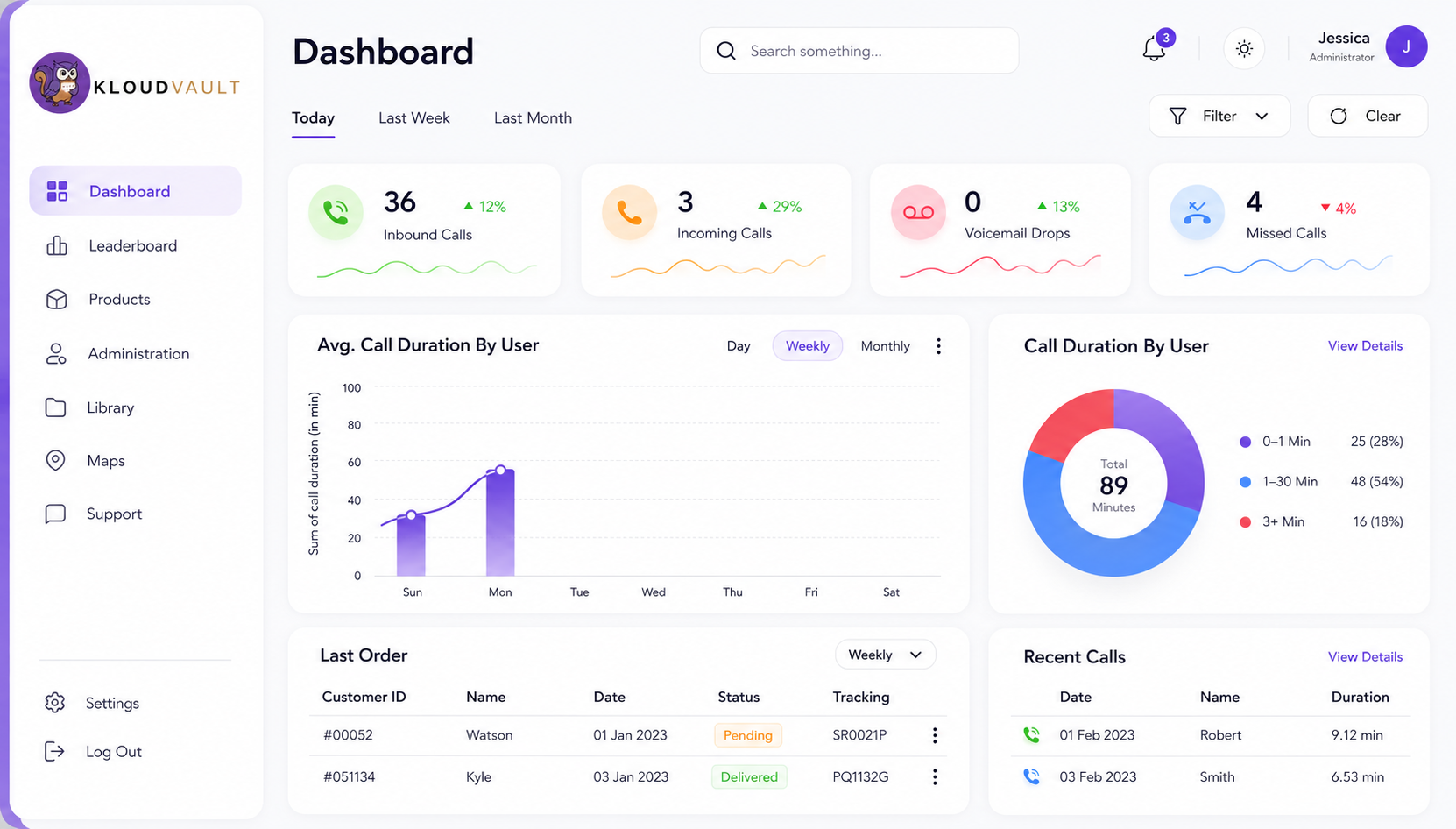
Manage your Salesforce file protection from a centralized interface.
Track backup status and activity.
Find backed-up files quickly.
View backup history and file versions.
Restore individual files or perform bulk recovery.
Track backup and recovery activities.
Protect critical Salesforce files against accidental loss and corruption.
Quickly locate and restore the content you need.
Maintain regular backups and historical file versions.
Keep critical content recoverable when unexpected events occur.
Restore individual files or larger groups without complicated recovery processes.
Monitor backup operations and maintain an audit history.
Designed specifically for protecting Salesforce content.
Reduce manual backup activities with scheduled and automated protection.
Protect backed-up content using secure storage and encryption.
Recover individual files, versions, or multiple files according to your needs.
Designed to support organizations managing large volumes of Salesforce content.
Monitor, search, and recover files from a centralized experience.
KloudFiles backs up Salesforce Files, legacy attachments, documents, file versions, and preserves relationships between files and the records they belong to.
Talk to a Kloudvault specialist. We will map file backup, retention, and recovery to your Salesforce workflows.
Book a demo